Como importar a coleção ao API Client (Postman)
It is possible to perform the tests on the endpoints through our documentation page, however it may be necessary to import one of our api´s to your preferred API Client. That's what we're going to demonstrate below, simple and easy. The program used in the examples will be POSTMAN.
- Access the reference page for the desired API.
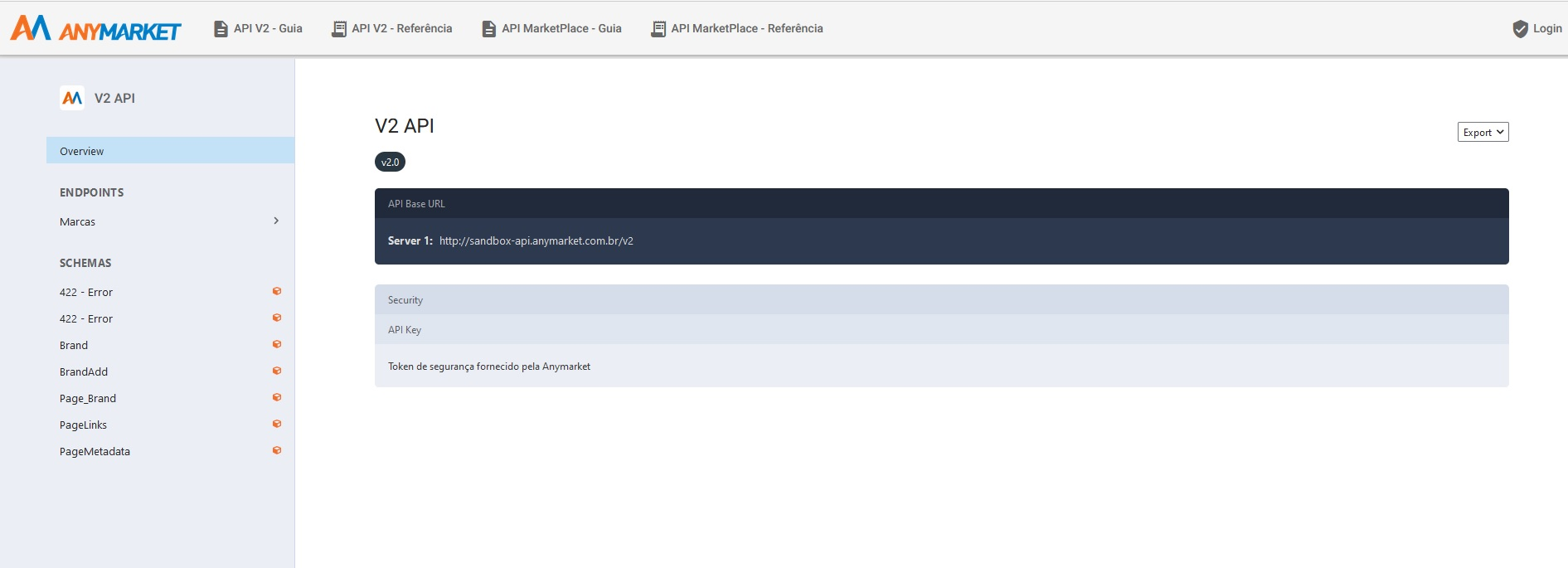
- Select the export option and select Bundled References, then save the file in
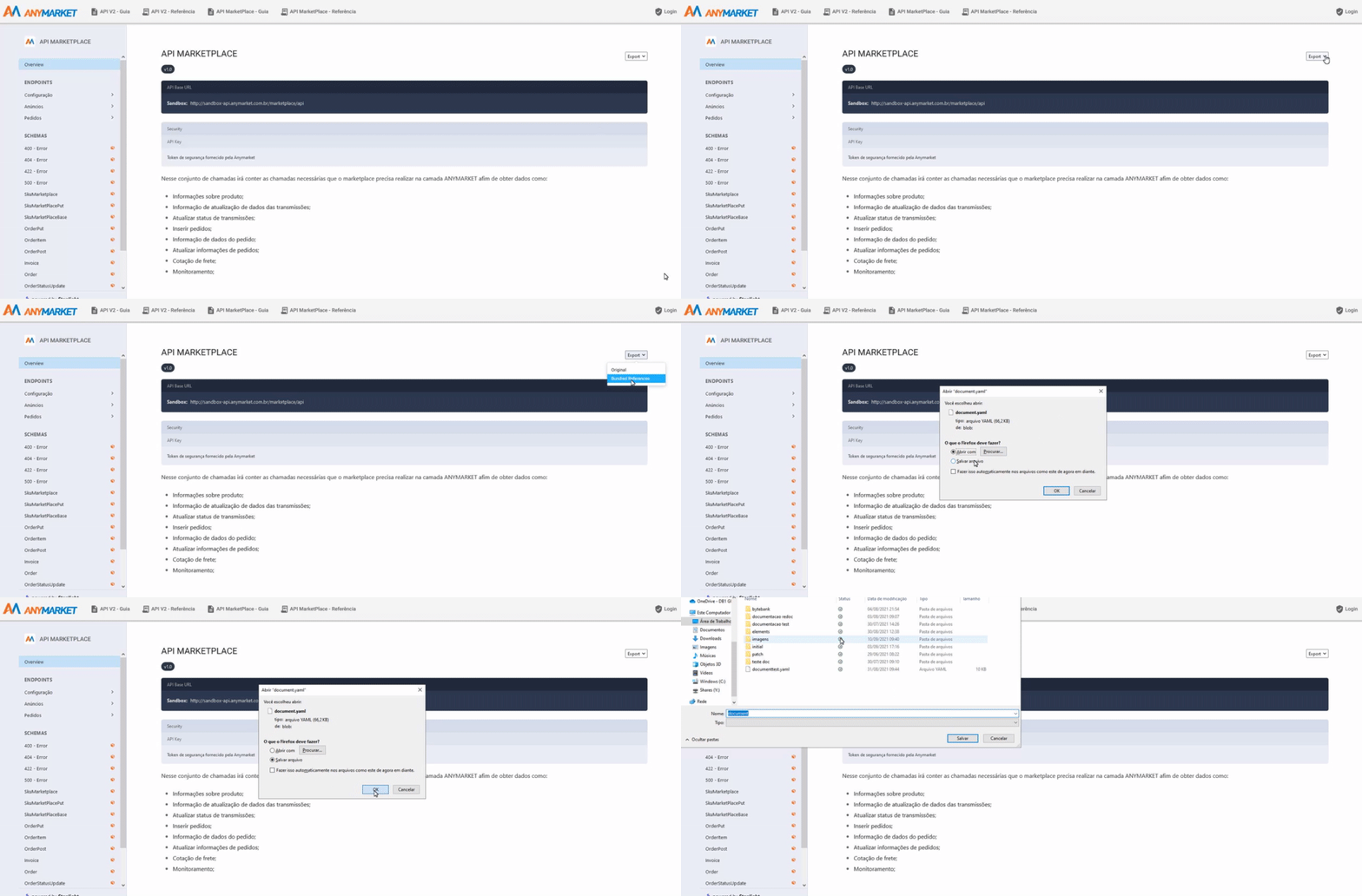
After downloading the file .yaml
Open POSTMAN -> import -> File -> Upload Files.
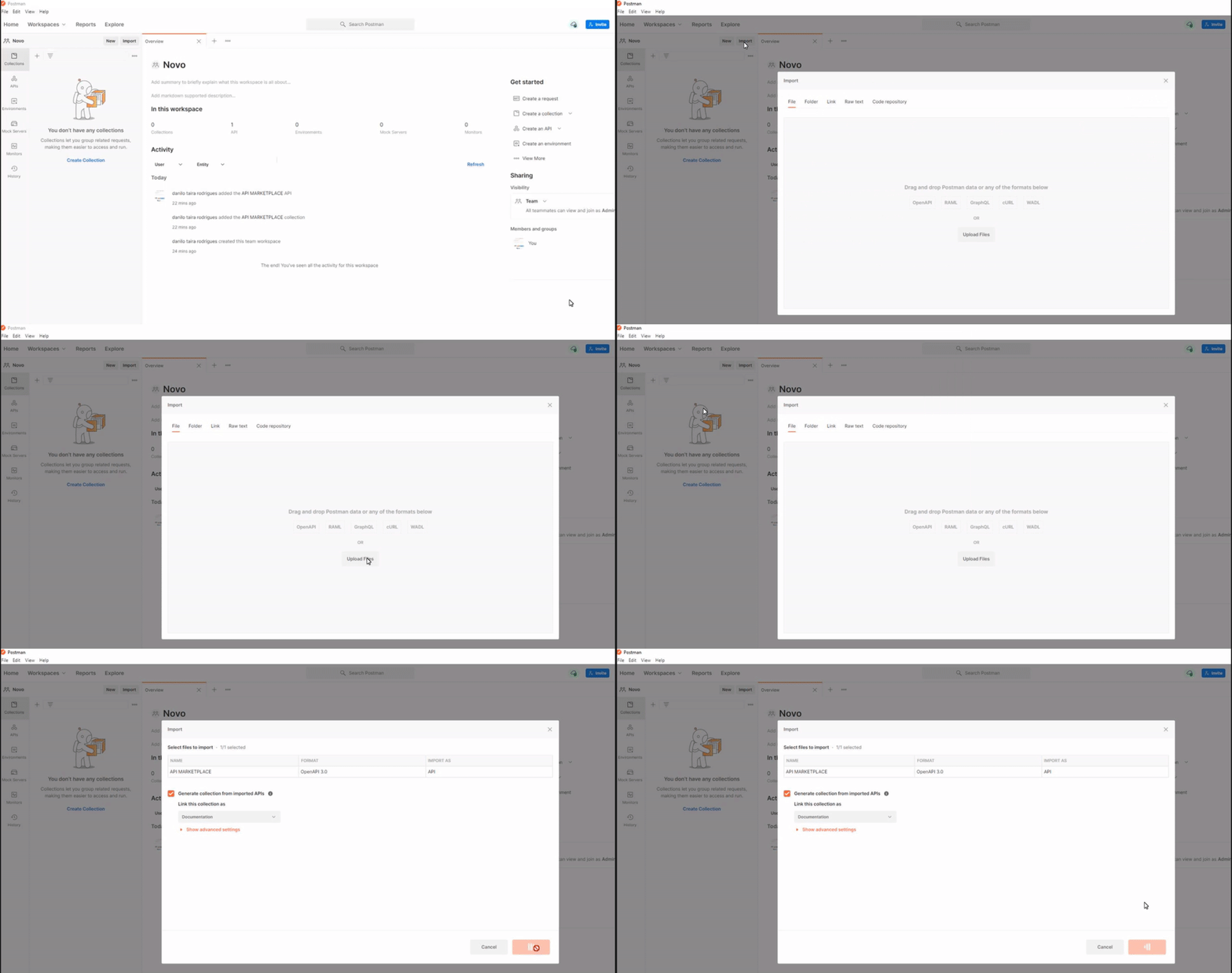
Done!. The collection is imported.
Now we need to set the security token on the collection.
- click on the imported collection
- in the Authorization tab, fill in the Value field with your token
Done! Now just test it out.